
The article you’re about to read on the 301 redirect isn’t one of the easiest in our SEO Academy. It uses terms and concepts an SEO expert knows inside out because they work with them daily, but anyone outside the trade may struggle with parts of it.
So we’ve done our best to simplify the read and make it as clear as we can.
Ready? Let’s get started!
Want to become an SEO guru?
Thinking about starting a career in SEO?
Got a site you want to optimize for search yourself?
Get in touch and find out more about our SEO course!
I want more information
What is a 301 redirect?
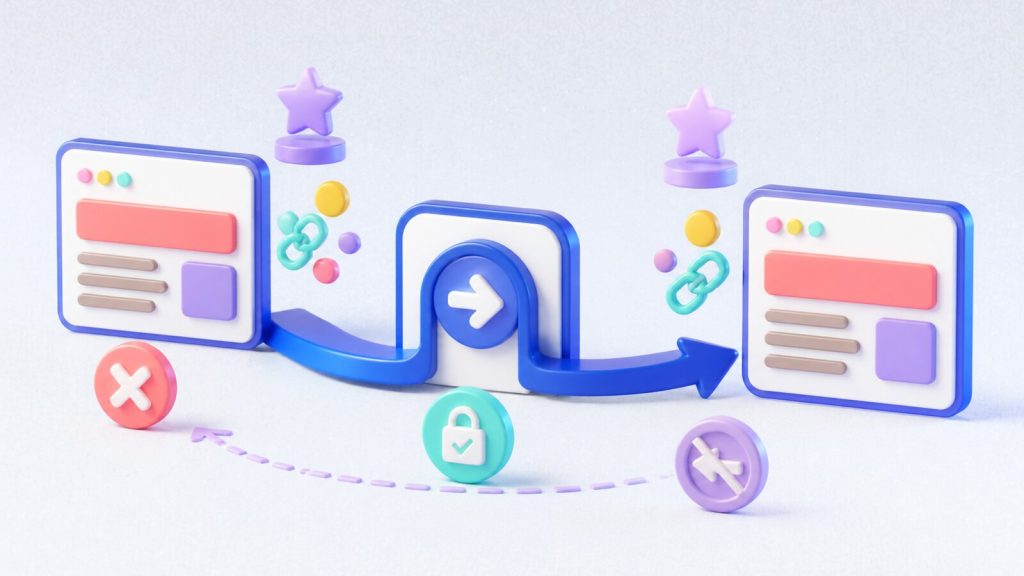
A 301 redirect is the process of forwarding one URL to a different URL. It’s a redirection of one address to another — of one web page to another.
Here’s a concrete example: we have the URL “www.mysite.com/page1”, and through a 301 redirect we forward it to the URL “www.mysite.com/page2”.
That means the first page (page1) has been redirected to the second page (page2). So any user who clicks on “www.mysite.com/page1” is automatically taken to “www.mysite.com/page2”.
Free to use image from Google Image
The types of redirect: 301, 302, 307 and meta refresh
There are three main types of redirect: 301, 302 and 307, plus the meta refresh.
A redirect is a way of sending both users and search engines to a URL other than the one originally requested.
Below are descriptions of some of the most commonly used redirect types.
- 301: a 301 redirect, also called a status code or 301 error, is a permanent redirect that passes between 90% and 99% of its link equity to the redirected page.
- 302: the internet runs on a protocol called Hyper Text Transfer Protocol (HTTP), which defines how URLs work. It has two main versions, 1.0 and 1.1. In the first version, 302 referred to the status code “Moved Temporarily”. This was changed in version 1.1 to mean “Found”.
- A 307 redirect is the HTTP 1.1 successor to the 302 redirect. Generally it’s better to use a 302 redirect for content that has been moved temporarily.
- Meta refresh: meta refreshes are a type of redirect executed at page level rather than at server level. They’re usually slower and aren’t a recommended SEO technique. They’re most commonly associated with a five-second countdown and the line “If you are not redirected in five seconds, click here”.
Want an SEO analysis of your site?
Want to know how many keywords you rank for on Google?
Want to know your website’s organic traffic?
Want to know who your competitors are and how they’re performing?
Want to know the number of backlinks pointing to your site?
No problem, we’ll tell you. FREE!
When do you use a 301 redirect?
Now that we’ve covered what a 301 redirect is (along with the others, which are part of the HTTP status codes), let’s look at exactly when to use it.
It’s used mainly when a website is moved, rebuilt or restyled.
In those situations it’s common to change the URL structure of the pages, so those changes have to be handled through redirects from the old URLs to the new ones.

301 redirects and SEO
As we saw above, redirecting one URL to another is standard practice, and when you do it, following best practice is essential if you want to keep the SEO value and the page authority you’ve earned over months or years.
The 301 redirect is a close friend of SEO!
The 301 redirect tells search engines that the page has been moved permanently. Search engines read that as meaning not only that the page has changed location, but that the content — or an updated version of it — can be found at the new URL.
And they’ll pass the old URL’s SEO history on to the new one. As we said, you won’t lose the SEO work you’ve done.
Bear in mind that when you move a page from one URL to another, search engines take time to discover the 301 redirect, recognise it, and pass the predecessor’s rankings and trust to the new page.
This process can take longer if search engine spiders rarely visit that particular web page, or if the new URL doesn’t resolve correctly.
One way to speed things up is to publish updated sitemaps.
By now you’ll have grasped how important the 301 redirect is from an SEO point of view — it stops users landing on a 404 error page and stops you losing the indexing and the page authority the site (or rather the page) has built up over time.
Tools for setting up 301 redirects
- If your site is built with WordPress, there’s a plugin that makes 301 redirects far easier to set up.
It’s called Redirection (official site). The plugin lets you enter the source URL and the destination URL and set the redirect up with almost no effort.
- A tool that proves useful once the redirects are in place is Google Search Console (official site). With this free Google tool you can upload the new sitemaps and tell Google about the new URL structure.
Conclusion
In this article we’ve explained what a 301 redirect is and how to set one up. In the next lessons of the SEO Academy we’ll focus on other fundamentals of SEO.
Stay tuned!
If you need help deciding your site’s URL structure, setting up 301 redirects, or with any other SEO optimization work on your website, blog or ecommerce store, get in touch.
Fill in the form! We’ll work out the best SEO strategy to finally do what you haven’t managed so far!
Want to optimize your site, get found by your customers on Google and beat the competition? Get in touch! We’ll work out the best SEO strategy to finally do what you haven’t managed so far.
Want to sharpen your SEO knowledge? Get in touch! We’ll find the right course for you.
Want to ask us something or just talk to us? Get in touch! That’s what we’re here for.